Keanu_Arg@nt4

Categories
English IT

IT Presentation

IT Presentation

This is my second IT Project about Microbit Tinybit Bluetooth controller. I’ll Show you guys how to make the code and also the components you will need. The first thing is, You will need to open Makecode in your browser. After that you will need a Microbit and Tinybit, This is the components you will need for this project. And also you will need to search Lofi robot controller to move arround the Tinybit. The lofi robot controller used to control the Tinybit using Bluetooth. I also give you a few codes for the tinybit project in the video, Enjoy the tutorial!
Categories
IT

Smart Watering Plant

Smart Watering Plant

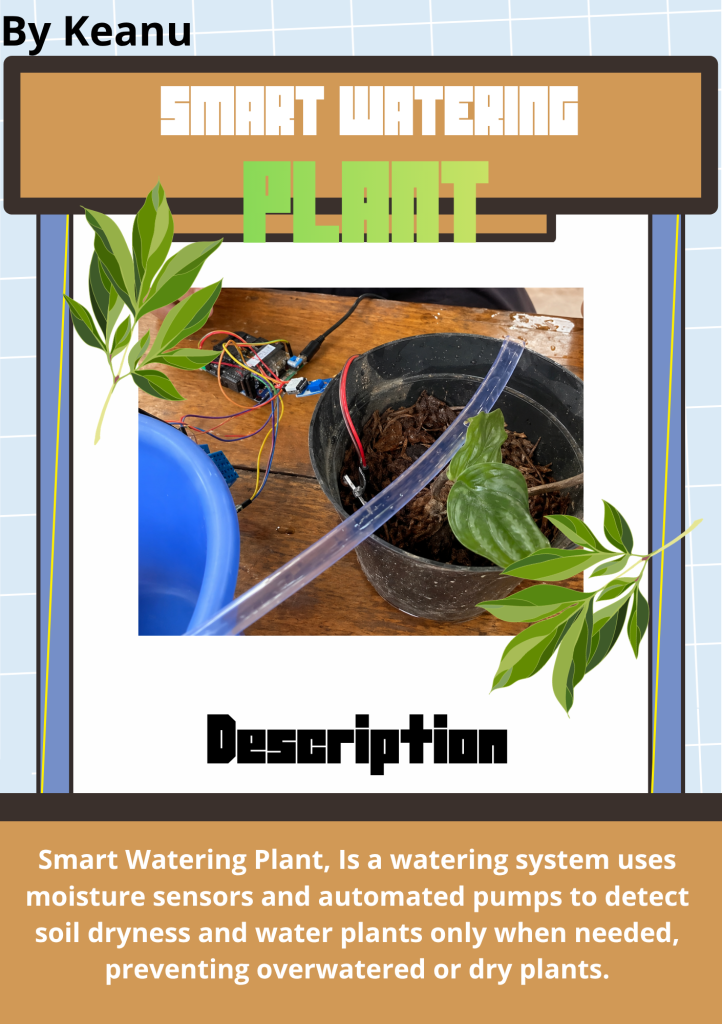
Smart Watering Plant, Is a watering system uses moisture sensors and automated pumps to detect soil dryness and water plants only when needed, preventing overwatered or dry plants. We uses a few components like Soil moisture, DC Pump, Micro:Bit, IO bit, And also relay. We made this project with a team. And also, To code the Micro:Bit, You will need to search Makecode In your browser. The Micro:Bit Needs to be connected with the IObit, Becouse The Other components needs to have 5v or 6v to power up the sensors. Mean while the Micro:Bit only contains 3v. You also need to connect the cables to the other components, Goodluck!

Categories
IT

Microbit Video Tutorial

Microbit Video Tutorial

This is my IT Project that is Microbit Video Tutorial. In this video, i’ll be showing you guys how to code a microbit so you guys can also code your one microbit. I also explain about the microbit fuctions, like the LED, Buttons, Sensors, Etc. And then i also made an example code for you guys! The example code is for making icons and also faces. You will need to search makecode in your browser to code the microbit.

Categories
IT

TinyBit – Line Follower

Tinybit - Line Follower

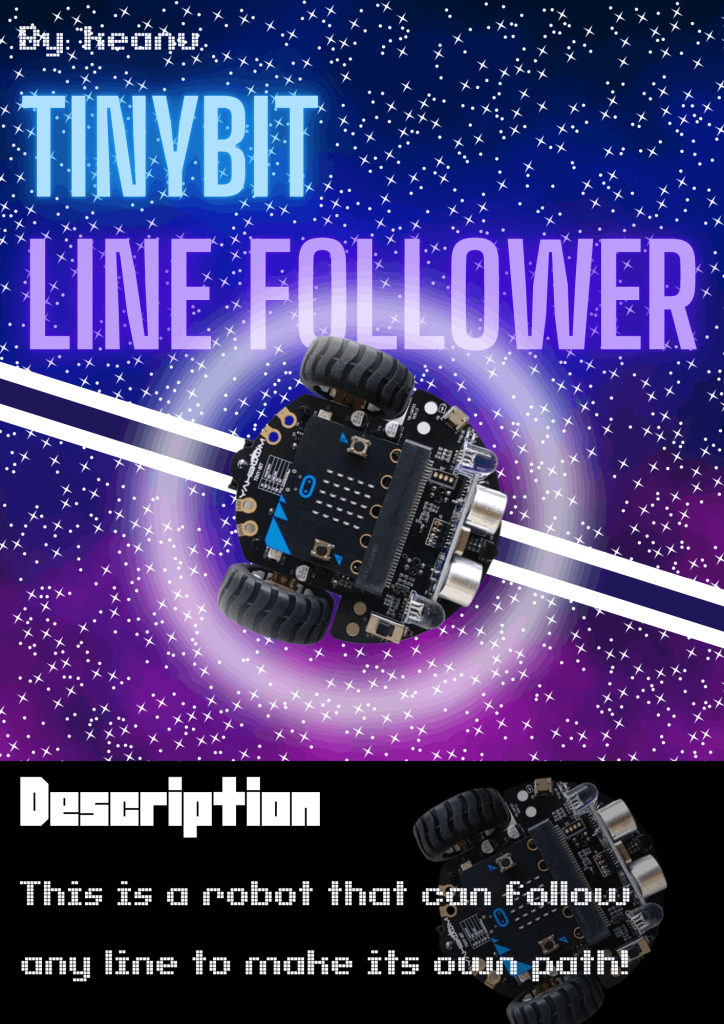
This is a Tinybit – Line Follower robot. This robot can follow a black line, I will give you a video about the Tinybit Line Follower soo you can make it too! And also, This robot use a microbit, and also a Tinybit. You also need to search Makecode in your browser, becouse thats the place where you can code the microbit for the Tinybit Line Follower Project. And theres a fun fact! You can buy a Tinybit Line Follower arena for the robot, Theres a lots of arena that you can buy for challange you to code it! >:)

Ā 

Categories
IT

Microbit Smart TrashBin

Microbit - Smart TrashBin

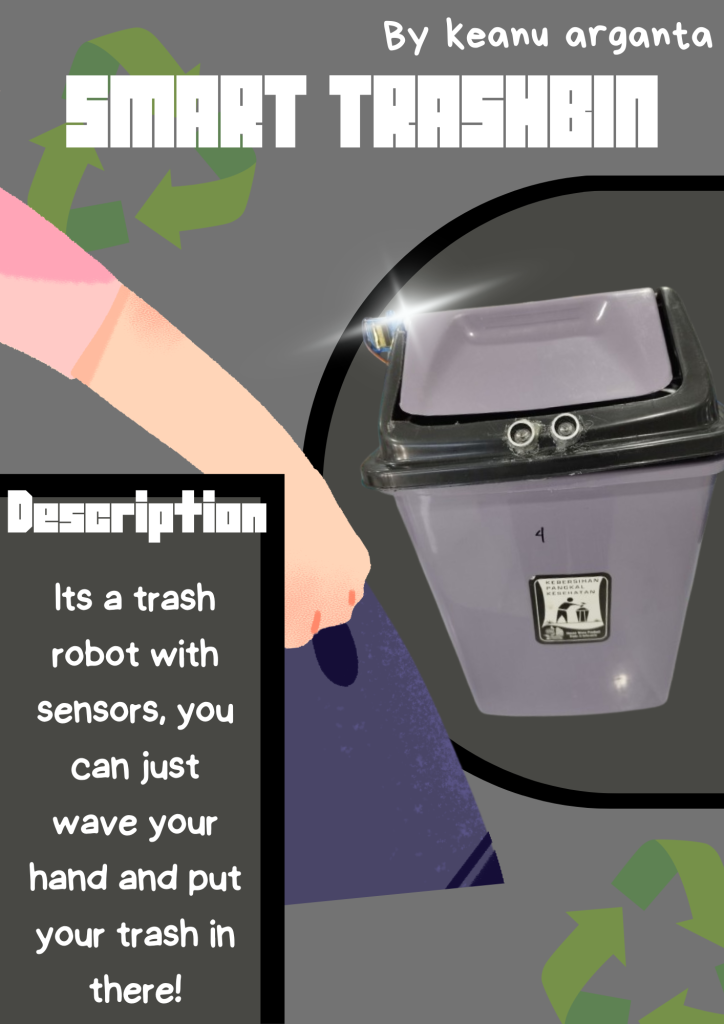
Smart TrashBin, Is a robot trash but with sensors! If you already know about robot trashes, This is the basic one. This trashbin use sensors to work, you can just wave your hand in the sensors to open the trashbin. Soo, your hands will stay clean with out touching the trashbin. TheĀ  trashbin will close back after you put your trash in there. The sensors uses ultrasonic to know is your hand in there or not, if your hand is waving, the ultrasonic will detected your movement and then it will be open for you!

Categories
IT

Tinybit Hand Gesture

Tinybit Hand Gesture

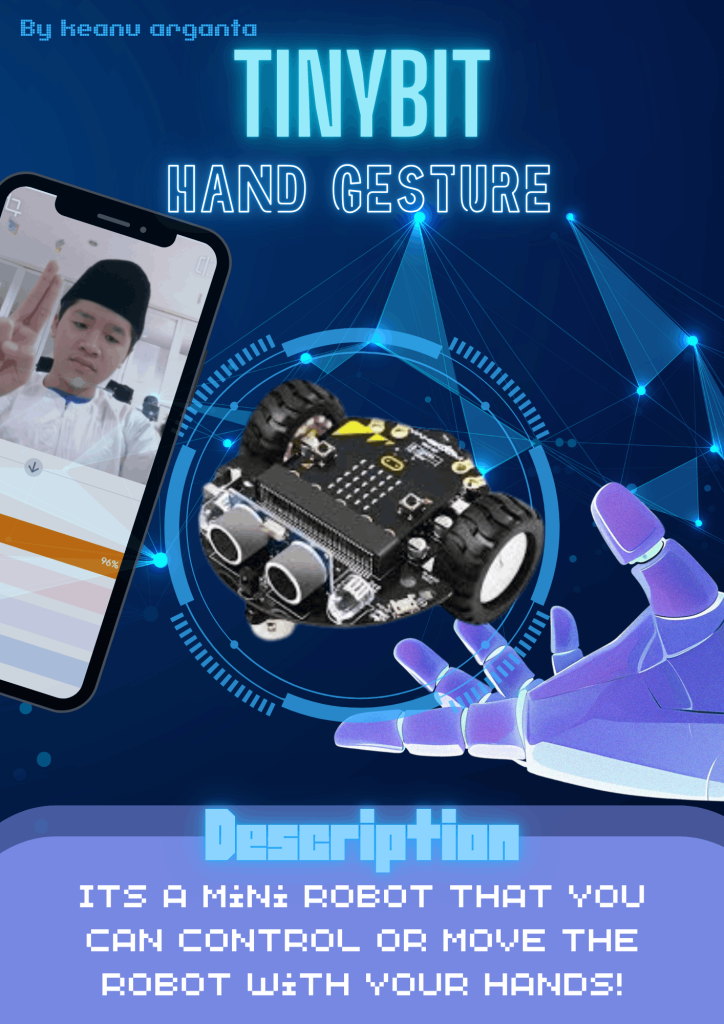
Tinybit hand gesture. Is a mini robot that can we control using our hands! In the tinybit, there is a sensor that looks like an eye. Its called “The buzzler” So, we make the code using TM (Teachable machine). You can use TM for making the code, but you have to put the samples. You can press record to make the samples. After you insert the code, the buzzler will follow your hand gesture like up, down, right, or left!

Categories
IT

Tinybit bluetooth controller

Tinybit bluetooth controller

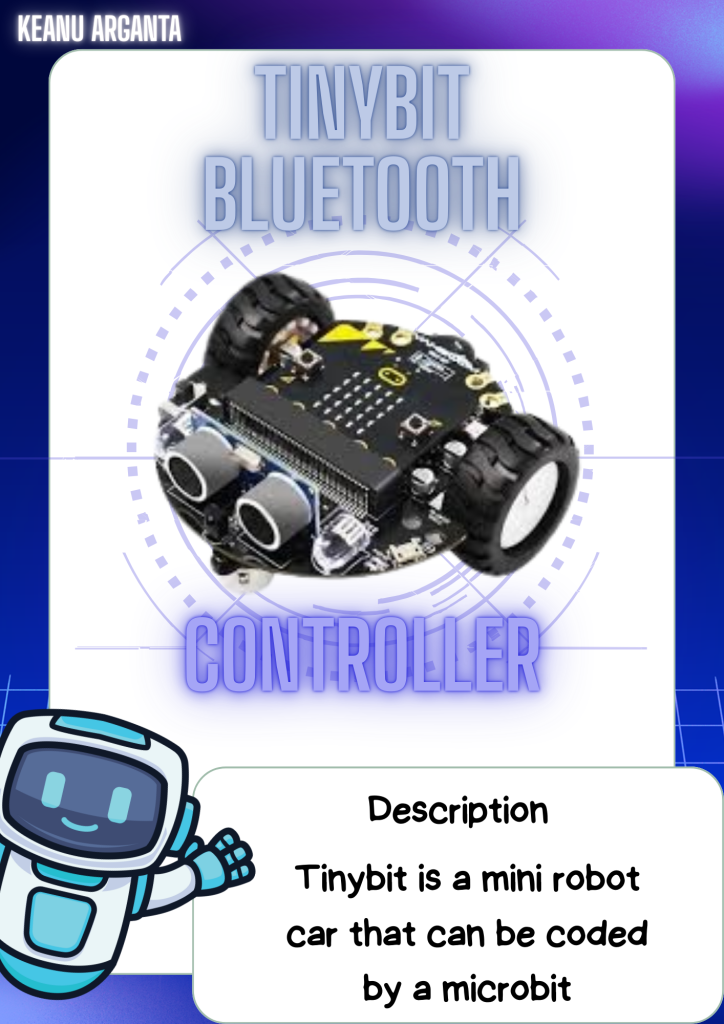
Tinybit, is a mini robot car that you can program using microbit. Microbit is the chip or the brain, we can program the microbit inĀ  “https://makecode.microbit.org/”. Its like scratch but its for the microbit, but you can code the microbit in scratch too. After you program the microbit, you can insert the microbit in the tinybit. In the tinybit there is also lots of things in there. There is the LED light, sensors, and a wheel!

Categories
IT

The defender

The defender

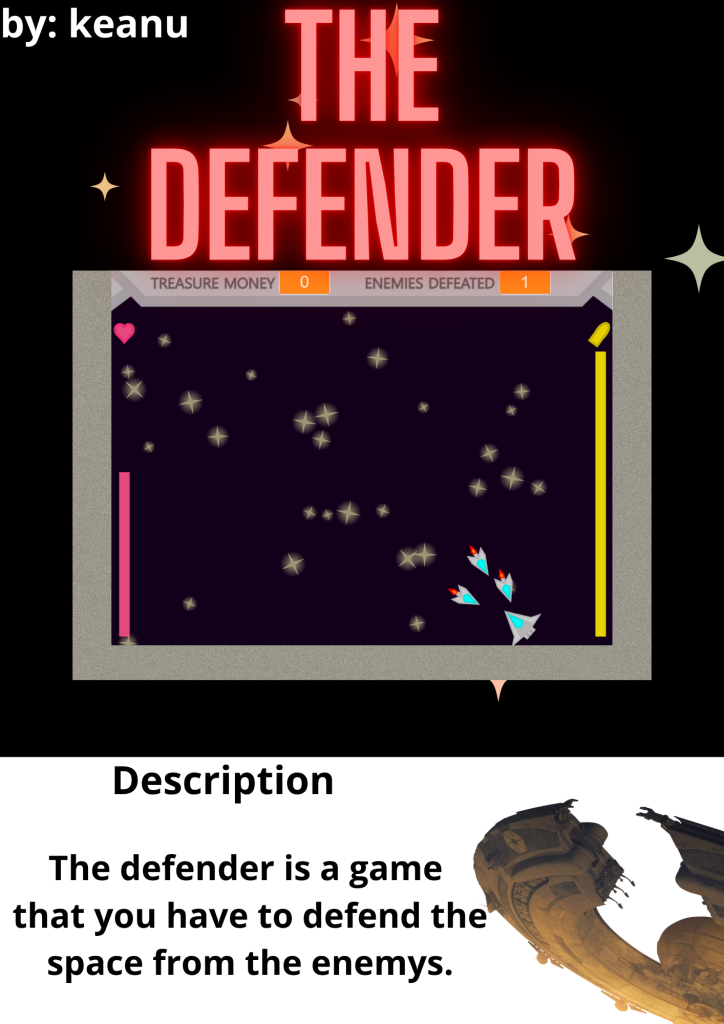
The space defender, is a game that you have to protect the space from the enemys. In the game, you can choose what space ships are you going to choose. Each space ships have their own unique skills, example like their defends, their speed, and their weapons. The game have 6 missions, each level has its own level of difficulty. But becarefull, there is boss in mission 6. You also have a bullet, soo you must use your bullet wisely. If you running out of bullets, there is a bullet box that you can use it to refill your bullet. GOOD LUCK!!!

Categories
IT

IT Tutorial

IT Tutorial

This is my IT Tutorial about how to make a Catching Fruit game in scratch soo you can make catching fruit game in scratch more easier. If you want to make the Catching fruit game you need a few sprite, like bowl, apple, and ladybug 2. You also need the background that is YOU LOSE, and YOU WIN. And one more tips, in this game you will need broadcast like START, PLAY, YOU WIN, and YOU LOSE. (full tutorial in the video.)